
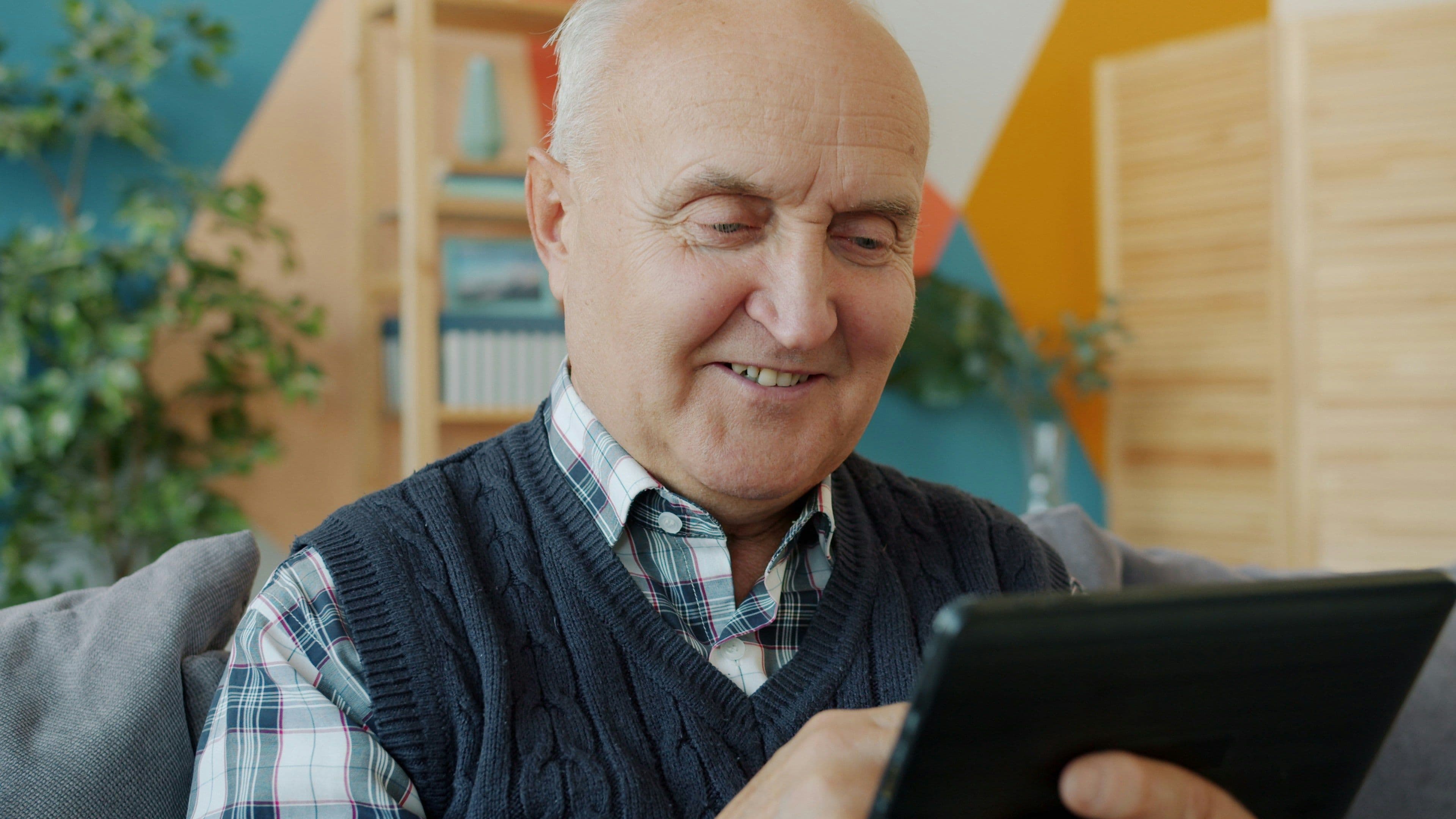
Technology can open up amazing possibilities for older adults-helping them stay connected, safe, and independent. But learning new devices or apps can sometimes feel overwhelming or intimidating. At GALA, we understand that teaching tech to seniors requires empathy, patience, and the right approach.
Here are some proven tips for caregivers, family members, and trainers to help older adults confidently embrace technology:
1. Start with Understanding Their Needs and Interests
Before diving into the “how,” ask what the older adult wants or needs from technology. Is it video chatting with family? Managing medications? Entertainment? Tailoring training around their goals makes learning more relevant and motivating.
2. Use Simple, Clear Language
Avoid technical jargon. Use everyday words and analogies. For example, instead of “Wi-Fi,” say “internet connection.” Repeat instructions as needed, and encourage questions without rushing.
3. Break It Down Into Small Steps
Introduce one function or feature at a time. Break tasks into manageable chunks. For example, first show how to turn on the device, then how to open an app, and later how to send a message. Celebrate each small win.
4. Be Patient and Allow Plenty of Time
Learning new tech can take longer for older adults, and that’s okay. Avoid rushing or showing frustration. A calm and supportive attitude builds confidence.
5. Use Visual Aids and Written Instructions
Create easy-to-follow guides with screenshots or large print notes they can refer to later. Videos or live demonstrations can also help reinforce learning.
6. Encourage Hands-On Practice
Give them plenty of opportunities to try out the technology themselves while you guide them. Repetition helps build muscle memory and comfort.
7. Set Up a Safe Learning Environment
Choose a quiet, comfortable space without distractions. Make sure the device is easy to hold or positioned well for visibility.
8. Highlight the Benefits, Not Just the Features
Remind them how technology can improve daily life like staying in touch with loved ones, ordering groceries online, or setting medication reminders rather than focusing only on technical details.
9. Offer Ongoing Support and Check-Ins
Learning doesn’t stop after the first lesson. Regular check-ins and encouragement help sustain confidence and skills.
10. Respect Their Pace and Preferences
Some older adults may embrace technology quickly, while others prefer minimal use. Respect their comfort levels and adjust your approach accordingly.
Final Thought
Technology should empower older adults not frustrate or isolate them. With patience, empathy, and thoughtful teaching, we can help seniors unlock the many benefits technology offers while honouring their dignity and independence.
At GALA, we’re committed to creating tools that are intuitive and accessible and supporting caregivers and families every step of the way.